Следуйте инструкциям в видео ниже, чтобы узнать, как установить наш сайт как веб-приложение на главный экран вашего устройства.
Примечание: Эта функция может быть недоступна в некоторых браузерах.
Вы используете устаревший браузер. Этот и другие сайты могут отображаться в нем неправильно. Необходимо обновить браузер или попробовать использовать другой.
We’ve designed this configuration to provide players with an engaging, competitive experience while keeping it fully optimized and up-to-date.
This Ultimate Leaderboard Config is packed with event tracking, PvP and PvE statistics, resource gathering metrics, and more — all fine-tuned for performance and clarity. Whether your server is PvP-focused, PvE-friendly, or mixed, this setup offers a polished leaderboard that motivates players to participate in every aspect of gameplay.
Features:
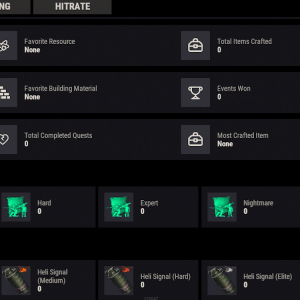
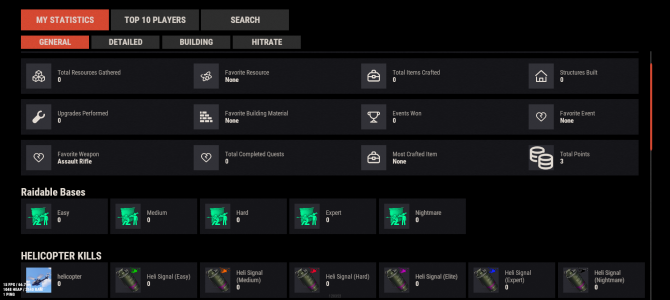
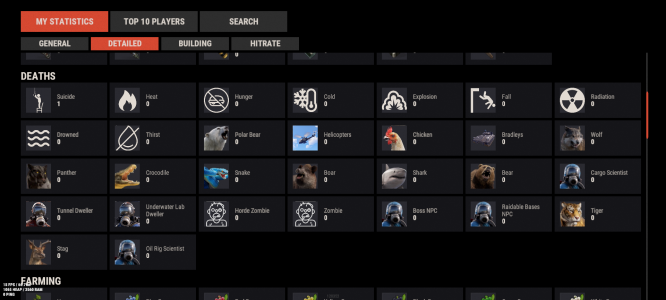
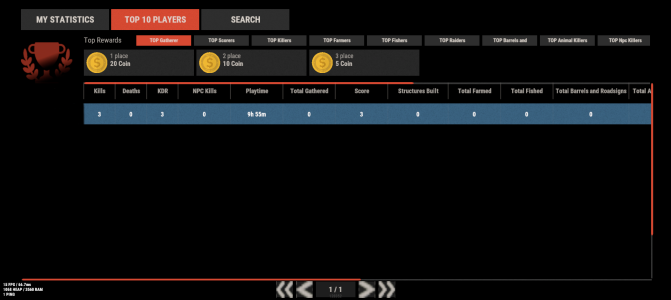
Extensive Stat Tracking: Player kills, deaths, resource gathering, events, raids, NPC kills, and more.
Event Integration: Includes popular events like Convoy, Sat Dish, Tugboat Pirates, Armored Train, and many others, each with custom icons.
PvE & PvP Ready: Works perfectly on both styles of servers, tracking everything from animal kills to boss fights.
Custom Images & Icons: Visually appealing design using unique, high-quality images for every stat.
Continuous Updates: We actively maintain the configuration to stay compatible with plugin updates.
Installation Instructions:
Download Config file.
Upload Config file to your server’s directory: Oxide/config/UltimateLeaderboard | Carbon/config/UltimateLeaderboard
Insure you using last version of the plugin.
Restart your server or run this in Console to reload plugin:
 Warning: To use this configuration, you must own the Ultimate Leaderboard plugin by Mevent.


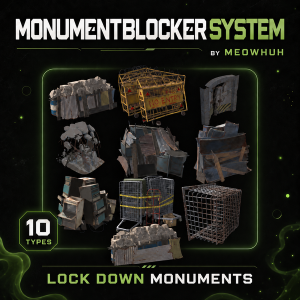 MonumentBlockerSystemComplete monument blocker management for Rust servers.
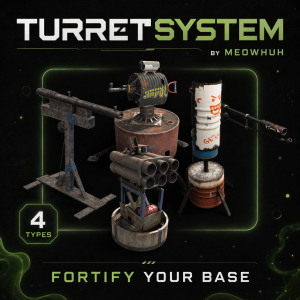 TurretSystemComplete turret and base-defense management for Rust servers.
 TranslateSystemAutomatic chat translation for Rust servers.
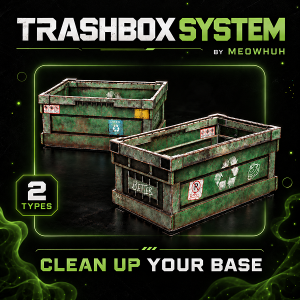 TrashBoxSystemAutomatic item disposal with customizable trash boxes for Rust servers.
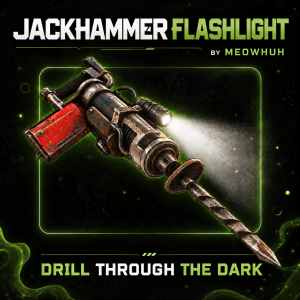 JackhammerFlashlightAdd a fully functional flashlight to jackhammers in Rust.